


Android Privacy Settings to Change Today
Use Android's privacy dashboard, permissions, spam call filter and new app install rules, with Google's own steps for each setting.
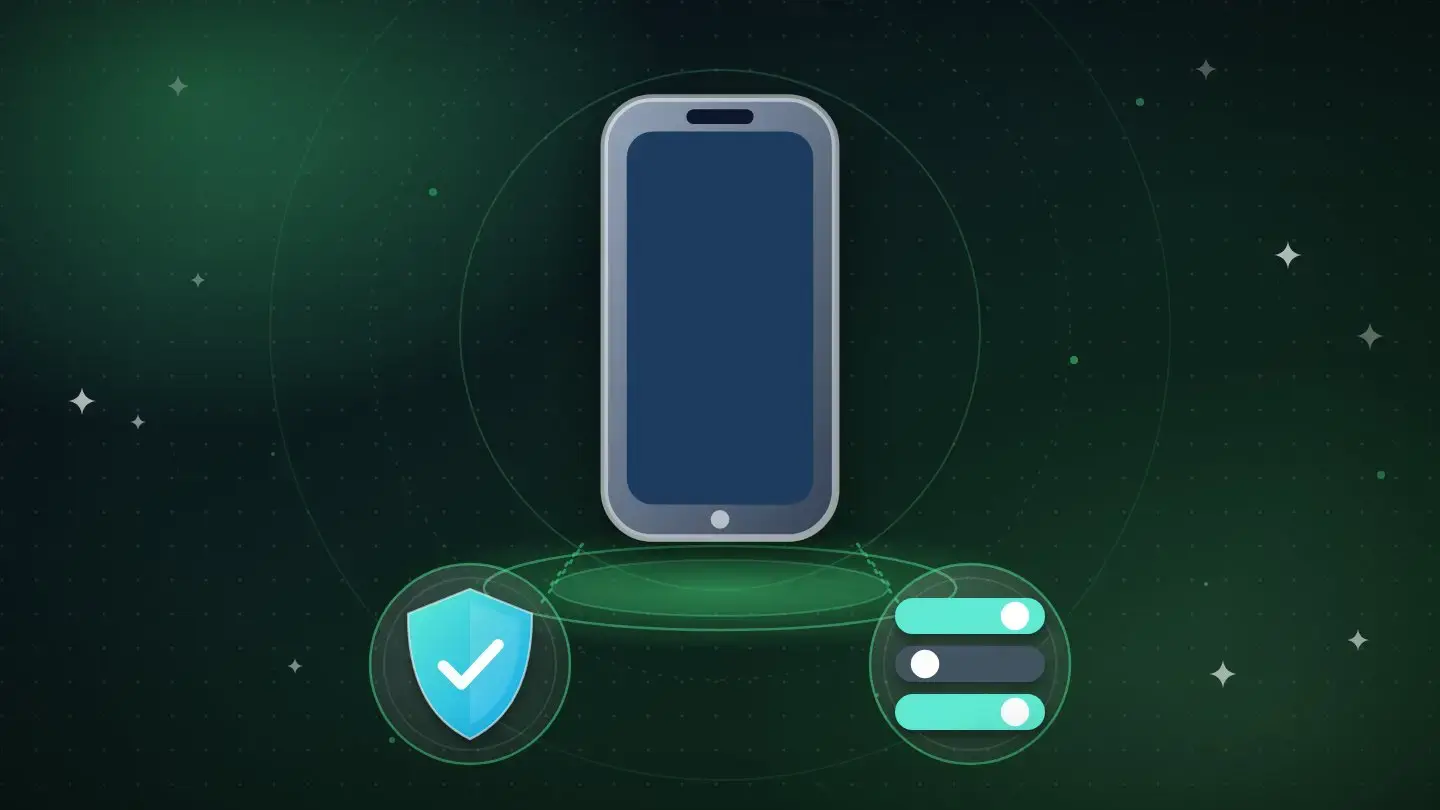
Android puts most of its privacy controls in a few places: app permissions, the privacy dashboard, location, call filtering and install settings. This guide walks through each with Google's own instructions.
It also explains what changed in 2026 for installing apps from outside the app stores. Menu names vary by maker, and I cite Google's own help pages. Checked on October 22, 2026.
The short answer
Open Settings, find Security and privacy or Privacy, and open the privacy dashboard to see which apps have used your camera, microphone and location.
Where an app does not need background access, choose While using the app, Ask every time or another more restrictive option if it is offered.
Keep permissions an app genuinely needs for its core function. After that, enable spam call filtering if you use Google's Phone app.
Leave app installs from unverified developers off unless you are sure about an app. Google now treats that as an advanced, delayed setting.
Good to know
Phone makers rename menus. If you cannot find a setting where this guide puts it, try the search box at the top of Settings.
Do these first
- Go to Settings, open Security and privacy or Privacy, then choose Privacy dashboard.
- Select a permission such as Camera, then check the apps that used it.
- Tap an app to change a permission you do not want it to have.
- In the Phone app, switch on Filter spam calls.
- Leave Allow apps from unverified developers off unless you need it.
Use the privacy dashboard
Google says the privacy dashboard lists which apps accessed data, which permissions they used and at what time. It also lets you change permissions for the camera, microphone, calendar and other features.
From Settings, tap Security and privacy or Privacy, and then Privacy dashboard. To see which apps used a permission, select it.
On Android 13 the dashboard covers the last 7 days, and on Android 12 the last 24 hours, according to Google.
History windows and menu names can vary by Android version and device. Google adds that certain steps need Android 12 or 13, or newer.
Choose how apps can use permissions
Android's privacy page says you can give an app microphone, camera or location access always, once or not at all. It adds that your sensitive permissions are managed from one central place.
For a step-by-step on changing them, read our guides to the Android permission manager and the Only this time option. Our app permissions guide lists which ones to turn off.
How the tools fit together
| Tool | What it does | What to check |
|---|---|---|
| Privacy dashboard | Shows which apps recently used a permission | Camera, microphone and location use |
| App permissions | Control what each app may access | Background access and permissions an app does not need |
| Approximate location | Limits how precisely an app can place you | Apps that do not need your exact position |
| Permission auto-reset | Resets permissions for apps you have not used in a while | Apps that may ask for access again |
| Spam filtering | Warns about or filters suspected spam calls | Missed-call and voicemail trade-offs |
| Developer verification | Adds checks on app developers for certified devices | Whether your app and install source are covered |
The table is our summary of the Google pages cited above. Use the dashboard to see what happened, and the permission settings to change what apps may do.
Share less precise location
Android lets you choose which apps get your approximate location and which get more precise information. Choose approximate for apps that do not need your exact position.
Our guide to precise vs approximate location on Android explains the difference between the two settings and which apps need which.
Let Android reset unused permissions
Android's privacy page says that if you have not used an app in a while, Android automatically resets its permissions. This happens without any action from you, but it helps to know about it.
So after a long gap, an app may ask for a permission again. That is our reading of how the reset works.
Know when the camera and microphone are in use
Android puts a green icon in the top right corner while the camera or microphone is active. If you see one and you are not using either, check the privacy dashboard to see which app used it.
Android also offers unknown tracker alerts, which Google says help protect you from unwanted tracking.
Android privacy settings block spam calls
In Google's Phone app, caller ID and spam protection is on by default. Google says that when a caller who is not in your contacts rings you, the number goes to Google to help name a business or mark spam.
Google says it does not receive numbers from your contacts. To filter spam, tap More options, open Settings, choose Caller ID and spam and switch on Filter spam calls.
What filtering does
Google says filtered calls raise no missed call or voicemail alert, but they appear in your call history, and you can still open voicemail.
Google says devices with automatic Call Screen do not offer a Filter spam calls option. If you use a different phone app from your maker, look for its own spam setting.
You can turn caller ID and spam protection off if you do not want the numbers of callers outside your contacts processed. Google says you then lose caller IDs and spam warnings.
This describes Google's Phone app. Phone apps from other makers may work differently, so check your own app's settings.
Android security settings: installing apps
Android is changing how apps are installed. Under Google's developer verification, an app must come from a registered, verified developer before certified Android devices will install it. Google says this protects people from scams and malware.
Starting in September 2026, installing or updating an app from a participating store in Brazil, Indonesia, Singapore or Thailand requires a verified developer. Google says it expands worldwide in 2027 and applies to Android 8 and up.
These rules apply to certified Android devices and to apps from participating stores, so they will not affect every phone or every app at first.
Android security settings unknown sources
If an app from an unverified developer is blocked, Google says you can contact the developer to ask them to complete verification. You can also allow such installs, but Google says it is a one-time, deliberately slow process.
Open Settings, tap System, then Developer options, and switch on Allow apps from unverified developers. The setup includes a 24-hour security delay, after which you decide whether to keep the setting on for seven days or without a time limit.
Google's help page documents this route, but menu names differ between devices and Android versions.
Google warns that scammers often pose as banks, tech support or delivery services and ask you to download fake apps. You still get a warning at install and must tap Install anyway.
Restricted settings
Google says some device settings can be restricted when you install an app, to protect you from harmful apps that ask you to change settings that put your data at risk.
Those settings cannot be changed unless you allow restricted settings.
If an app tells you to turn off a setting to use it, stop and check who contacted you. Google describes being contacted out of nowhere as a sign of a scam.
Finding Android privacy settings on Samsung and other phones
Samsung and other makers build their own settings screens, and the names can differ from Google's. I could not verify Samsung's menu names, so I give none. Use the Settings search box with the names in this guide.
The underlying features, such as app permissions and the privacy dashboard, are Android features. Check the Android version in Settings if a menu looks different.
Frequently asked questions
What Android privacy settings should I change first?
Open the privacy dashboard, review camera, microphone and location use, and change permissions for apps that do not need them.
Does Android have a privacy dashboard?
Yes. Google says it shows which apps accessed data and when. You find it under Security and privacy or Privacy in Settings.
Is Caller ID and spam protection private?
Google says it sends numbers of callers outside your contacts to help identify them, and does not get numbers from your contact list.
Can I still sideload apps from outside the Play Store?
Google says you can allow apps from unverified developers through a one-time process with a 24-hour delay, but it recommends verified developers.
Where is the unknown sources setting now?
Google's current help page describes Allow apps from unverified developers under Developer options. Your version may differ.
A quick checklist
Sources
- Android Help: Manage permissions from the privacy dashboard
- Android Help: Change app permissions on your Android phone
- Android: Privacy
- Phone by Google Help: Use caller ID and spam protection
- Phone by Google Help: How your contact information stays private
- Android Help: Android developer verification
- Android Help: Allow app installs from unverified developers
- Android Help: Learn about restricted settings
From circuittimes.com/security/android-privacy-settings/
Was this guide helpful?
What went wrong?
 Read nextExplainer 11 min readPhishing Explained: Types, Examples and How to Spot ItWhat phishing is, the main types, examples from the FTC, how to spot a phishing email or text, what to do if you clicked and where to report it.
 How-to 10 min readWhat to Do After Identity Theft
 How-to 8 min readiPhone Privacy Settings to Change Today
 Explainer 12 min readBrowser Fingerprinting Explained
The briefing, without the noise.
The stories that matter in technology, every weekday morning.
Free. Unsubscribe in one click.